
















In short
Choose structural analysis software by matching it to the structures you actually design: the materials, codes, analysis types and downstream workflows your projects demand. Evaluate modelling efficiency, code coverage, documentation output and integration with your design ecosystem — not feature lists in isolation.
Start with the structures, not the software
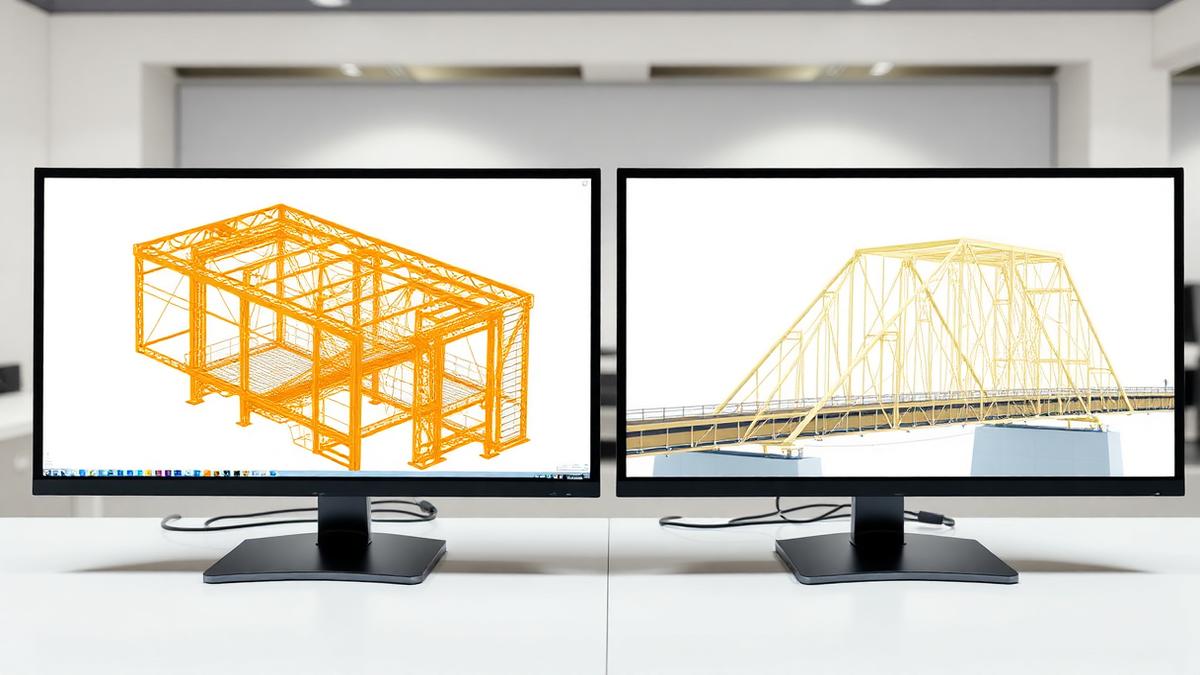
A firm designing steel industrial frames has different needs than one designing concrete buildings or long-span bridges. Materials, geometry, loading and codes define the analysis requirements; the software should meet those requirements, not the other way around.
List the structure types that represent most of your revenue, then the analysis types they demand: static, dynamic, seismic, non-linear, stability. That list is your evaluation filter.
Code coverage and documentation
Design-code coverage is not a checkbox — it is the depth of implementation. Ask how the software handles the specific clauses, combinations and detailing rules your projects use, and inspect the output documentation it produces. Engineers, reviewers and authorities will read that output.
The workflow around the analysis
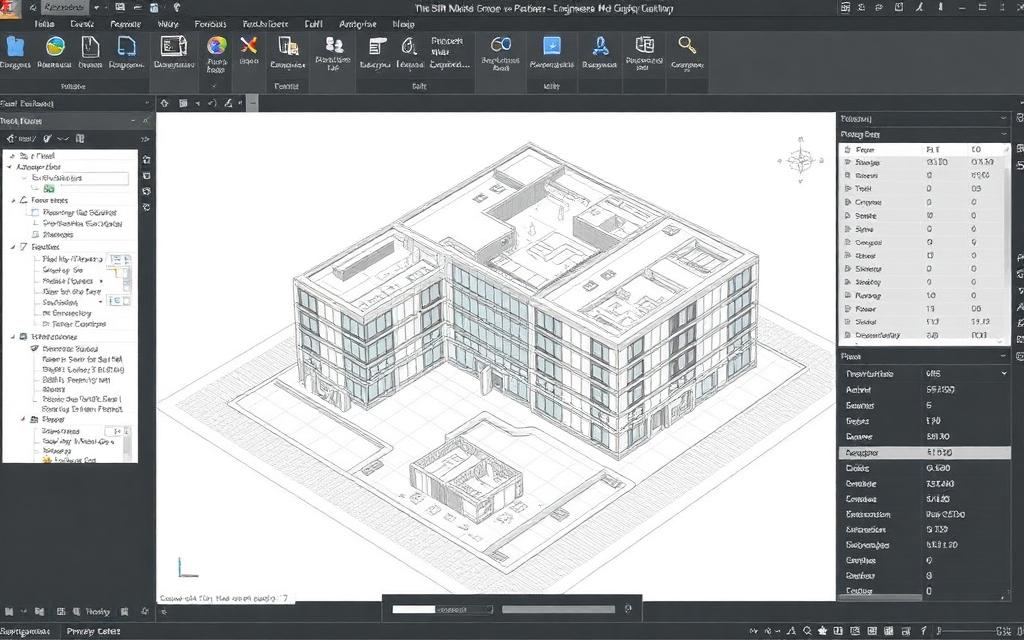
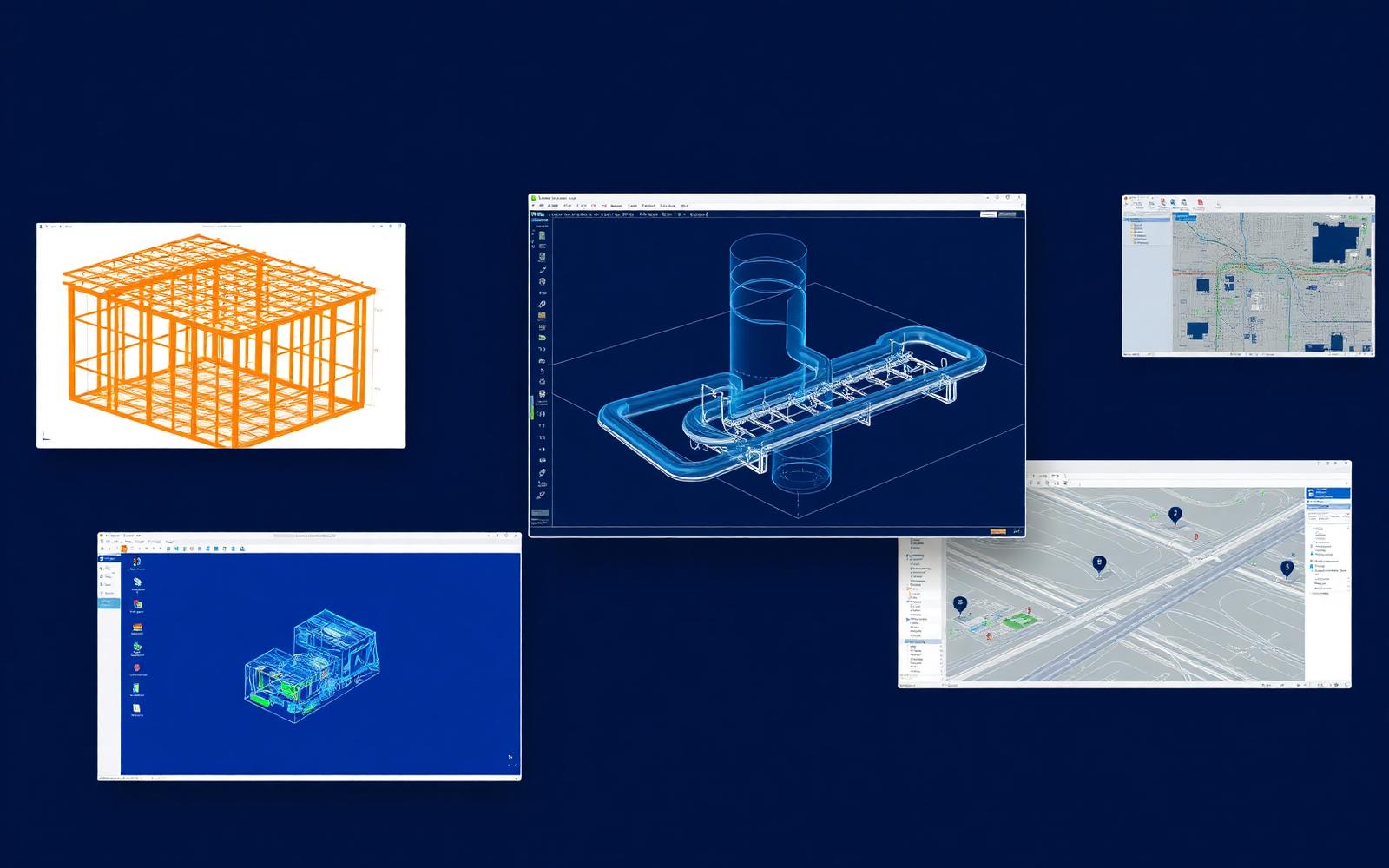
Analysis sits between modelling and documentation. Tools that connect cleanly to your CAD platform, share data with detailing software and fit your collaboration environment save more time than marginal solver differences ever will.
Finally, consider the support and training ecosystem. Powerful software that your team cannot use confidently is not powerful. Implementation support, training and responsive technical help are part of the product you are buying.
“Evaluate software against your projects, not against feature lists.”
Questions engineers ask
Should one tool cover every structure type?
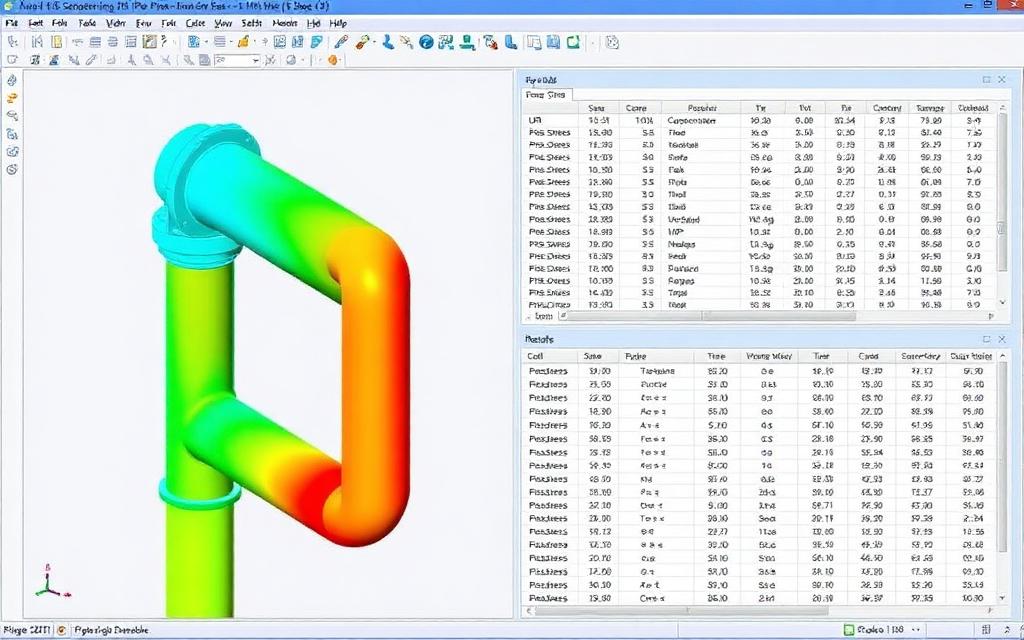
Usually not. A general-purpose tool like STAAD covers most structural work well, while specialized applications handle bridges or piping better. A small, well-integrated portfolio typically beats a single forced choice.
Put this into practice