
















Bentley Systems · Plant Design
AutoPLANT
Plant design and modelling tools for piping and equipment layouts.
- Core capabilities
- Model, Design
- Disciplines
- Plant
- Training
- By request
- Licensing
- SELECT · Subscription · E365
Overview
What is AutoPLANT?
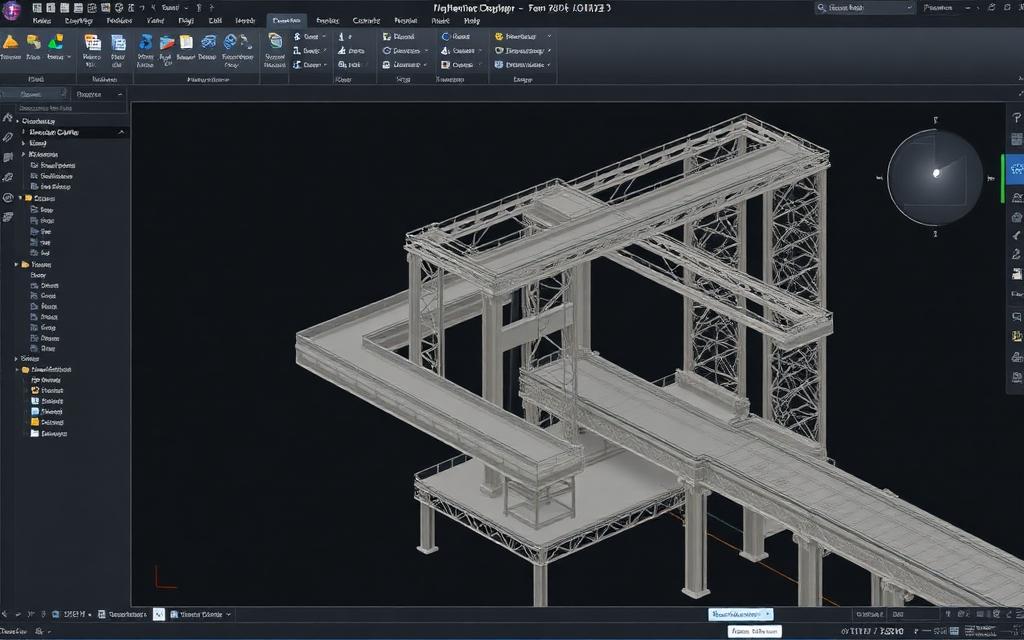
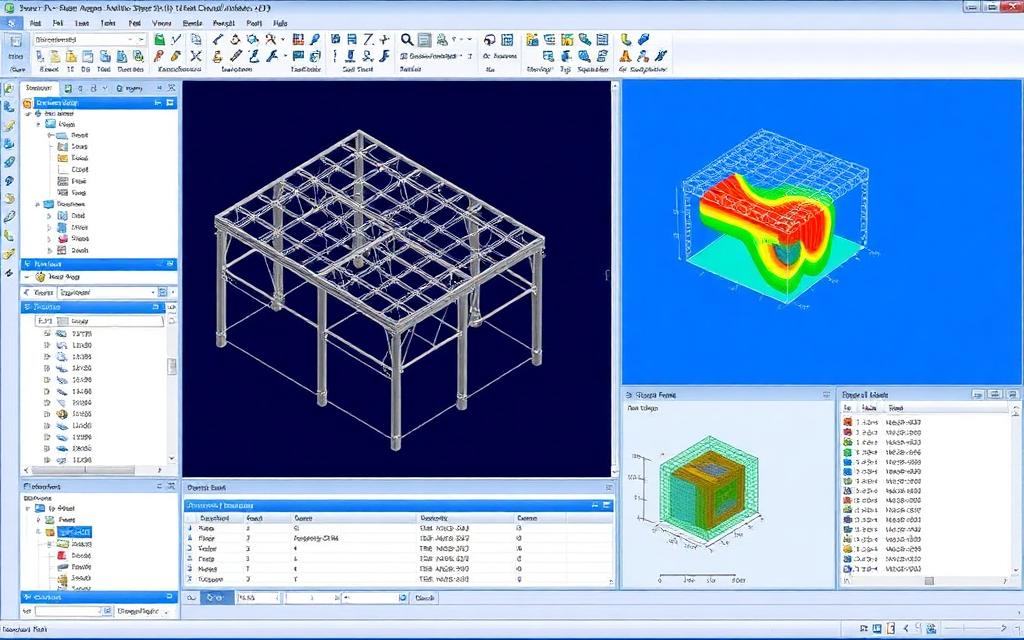
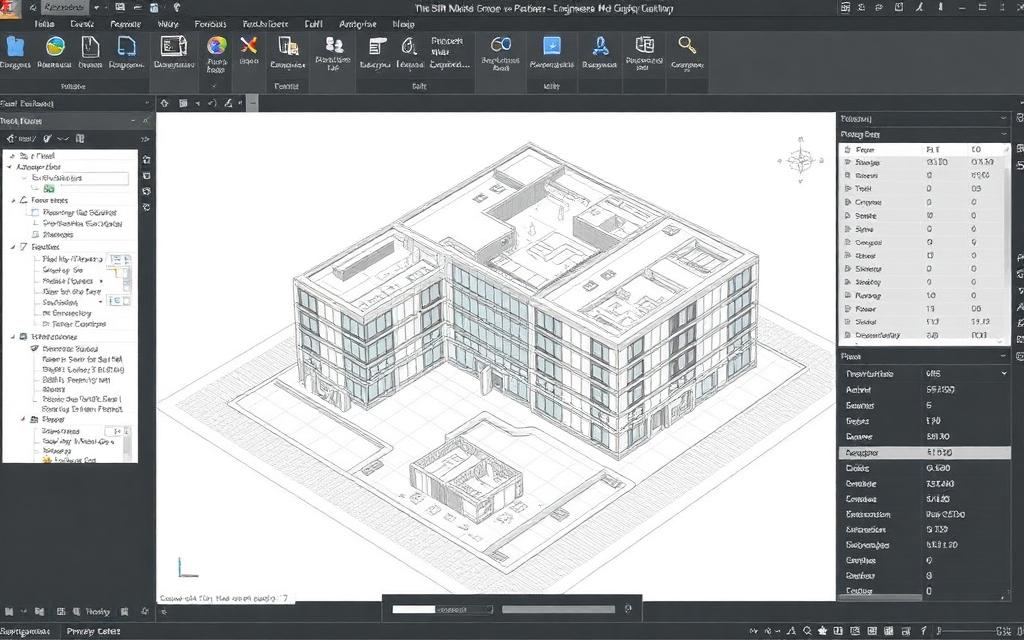
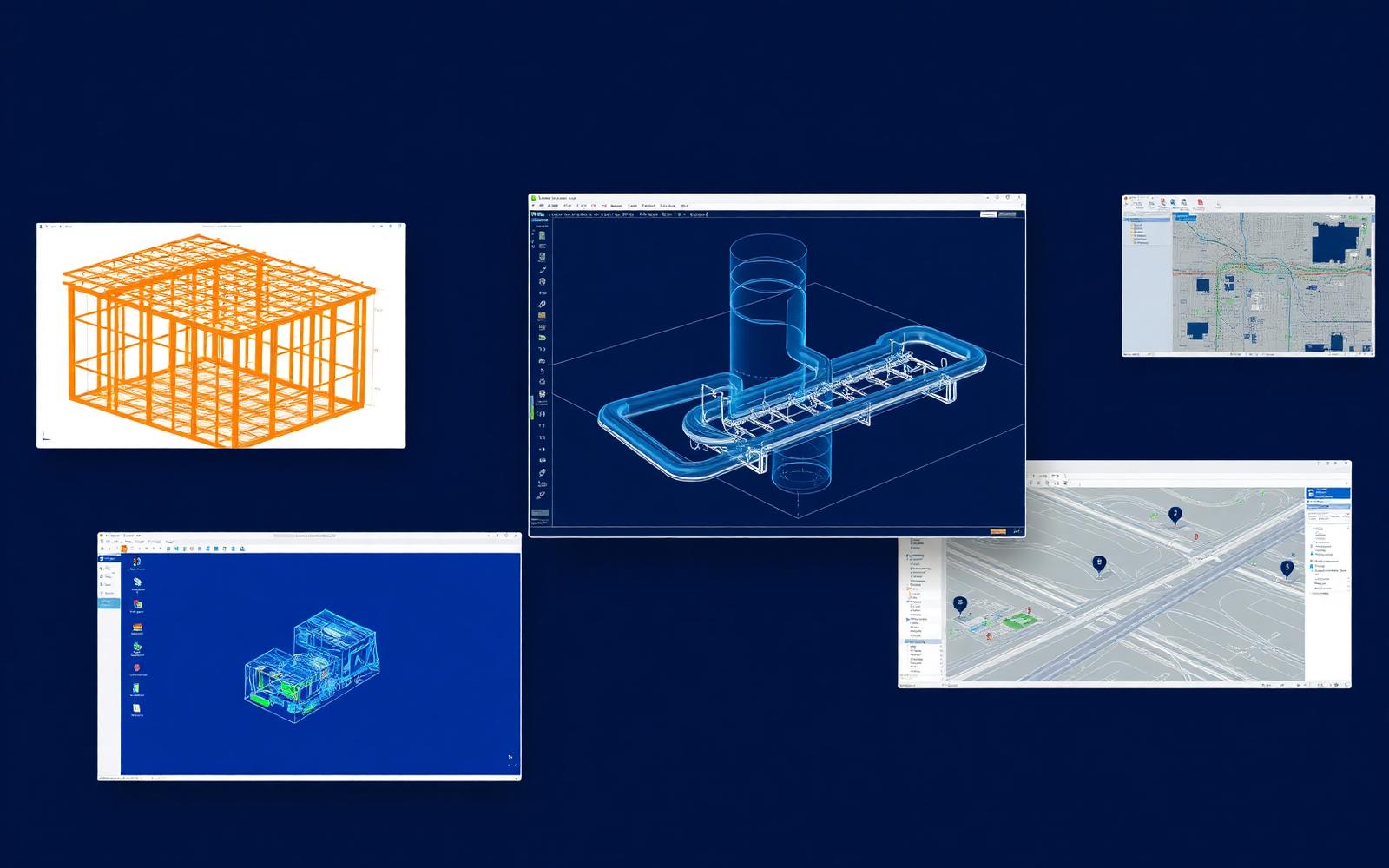
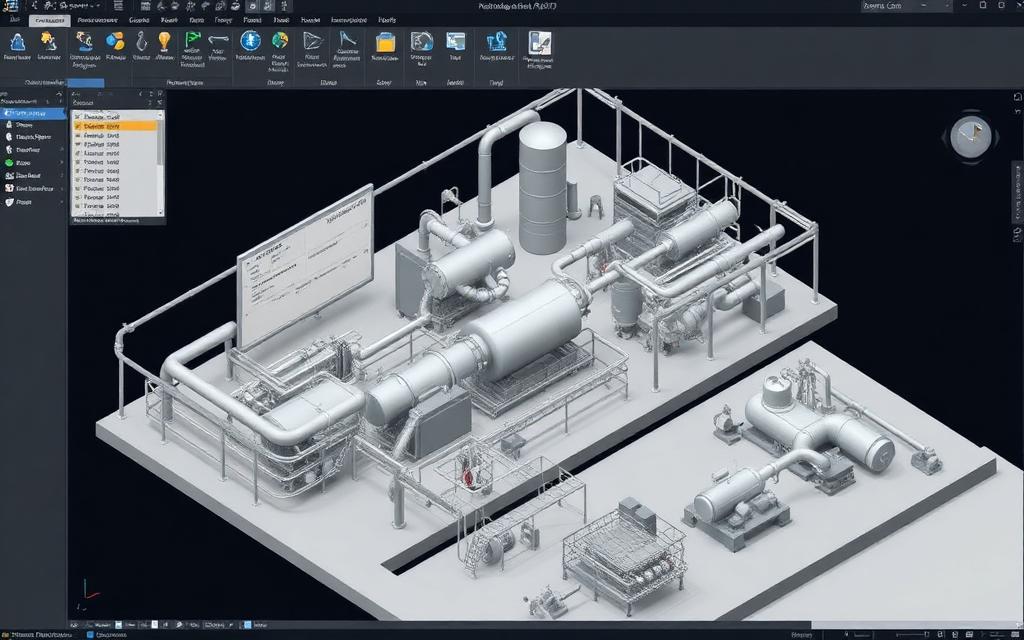
AutoPLANT provides spec-driven piping and equipment modelling for plant projects, with isometrics and documentation generated from the 3D model.
- Piping design
- Equipment layout
- Isometric production
Capabilities
What AutoPLANT does for your team
Model
Build precise 2D and 3D engineering models that stay coordinated across disciplines.
Put to work on
Workflow
Where AutoPLANT fits in delivery
- 01
Brief & data
Geometry, loads, codes and the decision to support.
- 02
Modeling
Build the coordinated model everyone downstream works from.
- 03
Design
Size members and components and record design intent.
- 04
Deliverables
Results, drawings and reports reviewed by an engineer.
Watch
A walkthrough of real workflows — from model to result — narrated by the engineers who teach it.
Where it's used
Industries that rely on AutoPLANT
Licensing
Three ways to license AutoPLANT
Perpetual + SELECT
Own the licence; SELECT adds upgrades, support and flexibility.
Best for: Stable teams
Option 1Term subscription
Annual or monthly seats that scale with project load.
Best for: Variable workloads
Option 2Enterprise (E365)
Portfolio-wide access with consumption-based economics.
Best for: Many applications
Option 3Master AutoPLANT
Instructor-led, built around real project workflows — virtual, on-site or hybrid.
- Tailored AutoPLANT training is available by request.
Brochures & data sheets
Current vendor documents, sent with an engineer's note on what fits your workflow.
FAQ
AutoPLANT, answered
What is AutoPLANT used for?
Plant design and modelling tools for piping and equipment layouts. Typical applications include piping design, equipment layout, isometric production.
Which industries use AutoPLANT?
We support AutoPLANT users across Oil & Gas, Chemical & Petrochemical.
How is AutoPLANT licensed?
Through perpetual licences with SELECT, term subscriptions, or enterprise access (E365). We model your seat counts and portfolio breadth before recommending one.
Do you offer AutoPLANT training?
Yes — instructor-led training for AutoPLANT is available by request, tailored to your workflows.
More in Plant Design
View allPut AutoPLANT to work
Licensing, implementation and training — scoped by a senior engineer, not a sales rep.